




Rockyspin App: Mobile Casino Gaming
More options are inherently better than fewer options. That’s why we introduced the Rockyspin app: to give mobile players a choice in how they want to experience our online casino. The browser version is still well optimized, but the dedicated app is a better choice for several reasons. You can download it for free and see for yourself.



Rockyspin App Features
We needed to give Rockyspin players a good reason to switch from a browser version to our mobile casino app. It meant preserving all the essential features while introducing plenty of new ones. As a result, we settled for the PWA variant: a software solution that combines features of a website and a native app.
| Rockyspin PWA | |
| Features of the Browser Version | Features of Native Apps |
| Cross-device Compatibility A single browser version works on all devices used to access it, and the same applies to our PWA. Native apps usually require a separate code base for each operating system. | One-click Access You can visit our casino with a single click, unlike with a browser version that requires at least two (given you didn’t assign Rockyspin Casino as your starting page) |
| Instantaneous Updates You don’t need to schedule an update or wait for it to download. It launches automatically the moment you click the icon. | App-like Interface Free of unnecessary browser elements, our PWA prioritizes touch navigation and a compact interface and game design. |
| Security System PWAs run using the browser’s capabilities, so they share the same security tools and protocols. We can focus on upholding one system instead of allocating our attention across different versions. | Push Notifications So helpful in native apps, notifications are also present in our PWA. You can receive them if they are turned on in your browser settings. |
Our app also doesn’t require access to any of your device’s services, including geolocation, camera, or activity tracking. In the Rocky Spin app, you can contact our Support Team the same ways as in the browser version: via live chat or email. In short, the PWA offers a more convenient user experience on smaller devices without sacrificing any of its functionality.
Rockyspin App for Android OS
Android users can install the Rockyspin Casino app using any browser they prefer: the required functions are present in all of them. If you can’t find the needed buttons, you can always open our website using the built-in Google browser. Once you are on the page you want to appear when you launch the app, do the following:
- Click the “More” icon in the address bar.
- Select “Add to home screen”.
- Click “Add”.
We’ve also gathered the installation instructions on a dedicated page, which you can access by clicking the Rocky Spin Casino App banner. There, you will find setup steps tailored to your browser, with handy screenshots that walk you through the process step by step. All other information regarding our app is also gathered there, so you can learn everything in one place.
APK Files
APK files are an exclusive feature of Android devices that allows users to install files from any source. While this provides more flexibility, it may also put your device’s security at risk. We don’t distribute any Rockyspin APK files, and so there are no official APKs with our name on the internet. If you do find any, please don’t install them: they might be phishing or malicious software in disguise.
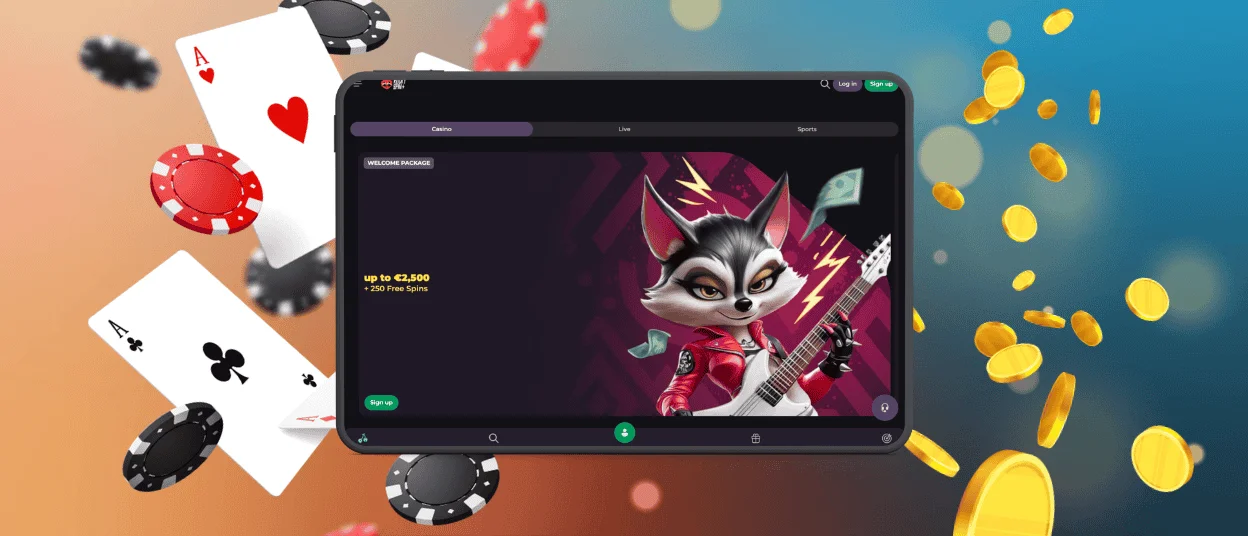
Rockyspin App — iOS
For iPhone and iPad users, browser options are more limited: only Safari supports the required functionality to install the Rockyspin app. However, you only need to do this once, as the app will launch on its own later. You also need to visit our website and choose the page you want in quick access, then follow these steps:
- Click the square icon with an upward arrow (the central icon on the fixed interface bar).
- Scroll down and select “Add to Home Screen”.
- Click “Add” to confirm your choice.
Since our PWA doesn’t register as a native app on iOS, you won’t be able to turn on Face ID for it. However, what you can do is enable 2FA: it asks users who try to log in to provide a security code. You can only get this code from a connected Google Authenticator app, so it’s a great way to bolster your profile’s security.

Rocky Spin Casino — Desktop Version
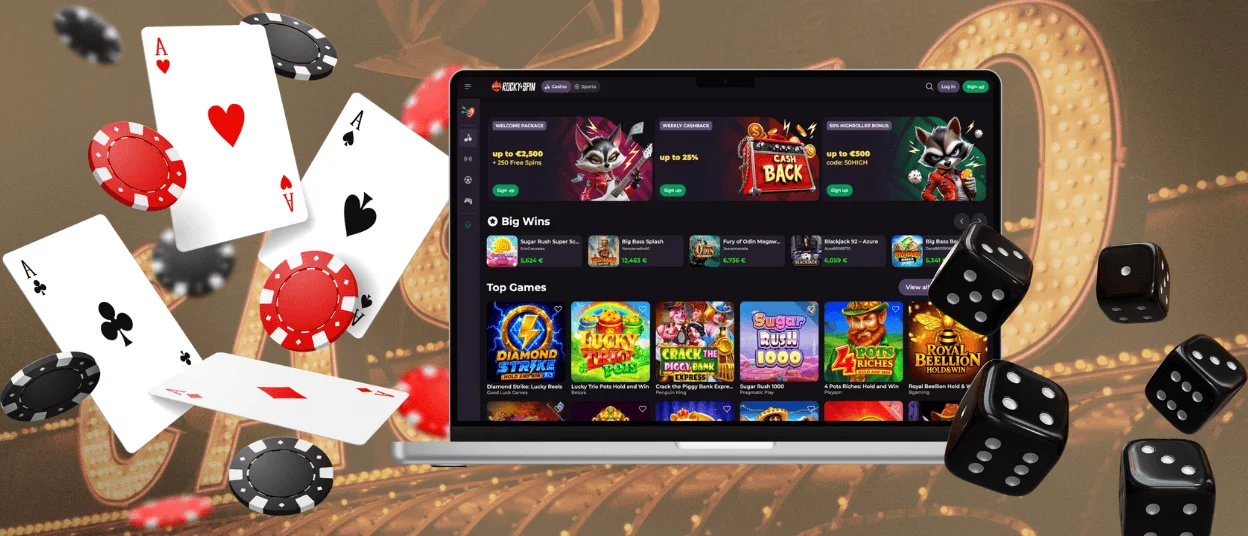
PWAs can work on all operating systems, so the Rocky Spin app is restricted to mobile devices. If the idea of a more focused gaming experience sounds appealing, you can download our software on a computer. The design won’t differ much from the regular browser version, but it won’t have the excessive interface elements like tabs and bars.
MacBook owners can add our software to the Dock by opening Rockyspin Casino via Safari, pressing “File” and “Add to Dock”. In case there is no such option on your computer, you can simply drag the website’s icon onto the desktop. For Windows users, the process is simpler: click the “Get the App” icon in the address bar, and the software will install automatically.
Cross-device Sync
Since you can only have one account at Rockyspin Casino, all your login sessions are automatically synced. You can log in from several devices, through the app or the regular browser version: all progress will be shared. We don’t recommend playing simultaneously from several devices, but you can play up to four games at once from a single device.
FAQ
Is the app optimized for tablets and larger screens?
One of the app’s main benefits is its focus on providing a decent user experience across different screen sizes. This doesn’t only work for smaller resolutions: the software determines your screen size and adapts the final picture to look the best in the given dimensions.
Are all Rockyspin Casino games available in the PWA version?
Our entire library is available for Rockyspin app users. This includes all the popular online slots, table and Instant Win games, and even the numerous Live Casino tables. Moreover, many of these games feature different designs: for some, you might need to rotate the screen, while others offer a version suitable for regular screen orientation.
Can I complete verification with a Rockyspin app?
Our software fully matches the functionality of the browser version of Rocky Spin Casino. That includes uploading and submitting documents for the verification process. You can visit our website once and continue playing only using the app without ever needing to use the browser version. You won’t miss out on anything: no features are absent from the app version.


